Preparing a release
¶ Configuring title page, copyright, acknowledgments, and about-the-author pages
The publishing profile in Dizire Engine does more than store metadata. It decides which reader-facing pages exist in the final package and what text those pages contain. This guide explains how the title page, copyright page, acknowledgments, about-the-author, also-by, next-book, and character-bio pages are configured.
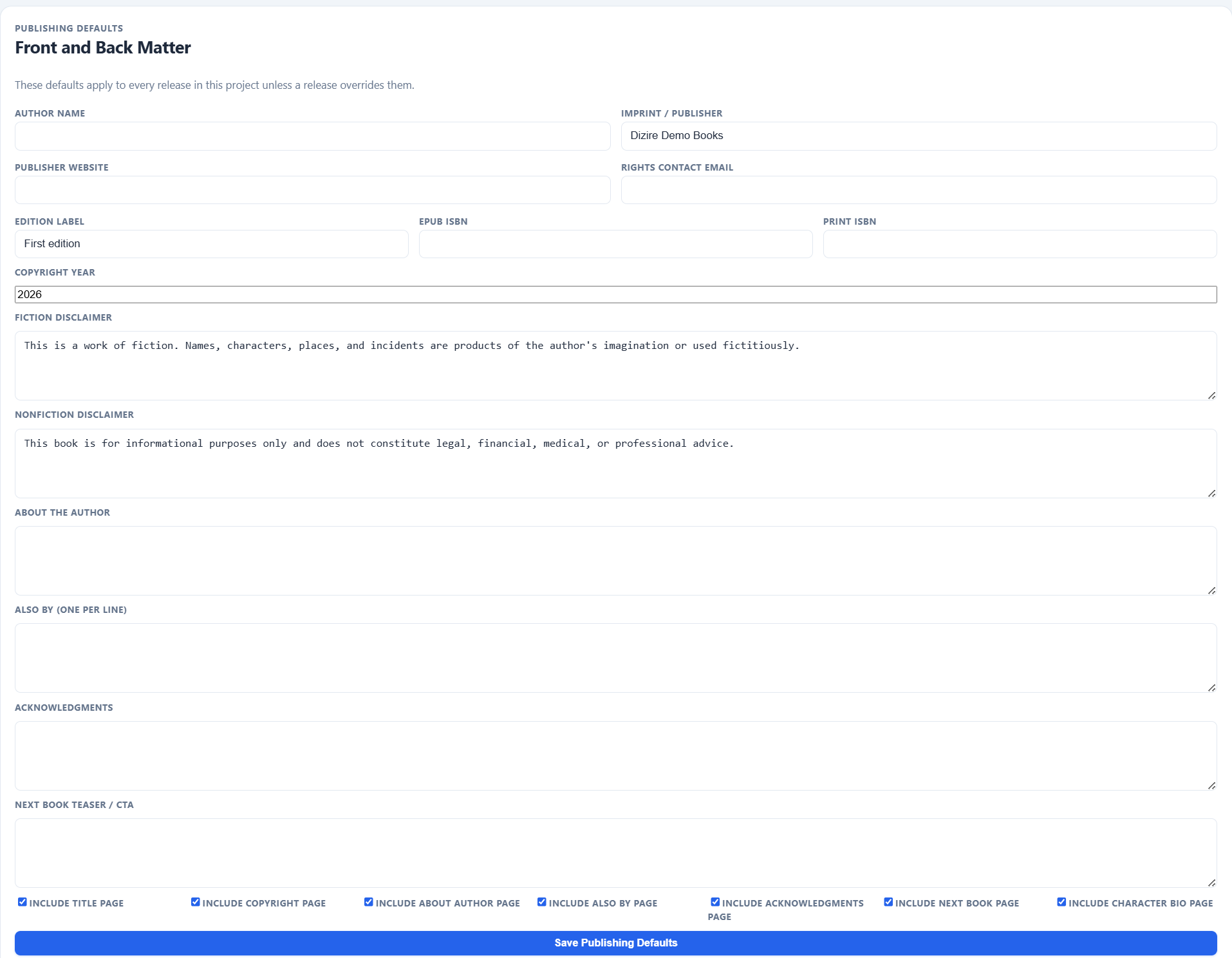
This is where front and back matter stops being abstract metadata and starts becoming a concrete page package that exports can actually include.
On this page
- What pages are controlled here
- How the title and copyright pages are built
- How author and catalog pages are built
- When to use the character bio page
- How to keep the package intentional
Overview
¶ These fields turn publishing metadata into real reader-facing pages
Dizire Engine resolves a publishing profile from project defaults plus release overrides, then uses that profile when building export packages. That means the front and back matter settings are not just bookkeeping. They decide whether a page exists and what content is printed on it.
- Title page uses the release title and optional author or imprint identity.
- Copyright page uses rights, edition, ISBN, website, permissions contact, and disclaimer text.
- About-the-author, Also by, Acknowledgments, and Next book pages come directly from the corresponding text fields.
- Character bio page depends on the toggle and on linked characters having usable bio assets.
Core pages
¶ Use the title and copyright pages to identify the book clearly and legally
The title page is controlled by Include title page. When it is enabled, exports can use the release title and supporting publishing identity to create a proper opening page.
The copyright page is controlled by Include copyright page. Its content is built from Copyright year, Author name, Imprint / Publisher, Edition label, EPUB ISBN, Print ISBN, Rights contact email, Publisher website, and the relevant fiction or nonfiction disclaimer.
Author and catalog pages
¶ Back matter pages should support the release, not pad it
The remaining content pages are controlled by both text fields and their page toggles.
- Include about author page uses the About the author field.
- Include also by page uses the Also by field, which is entered one title per line.
- Include acknowledgments page uses the Acknowledgments field.
- Include next book page uses the Next book teaser / CTA field.
These pages work best when they are specific and deliberate. If the field is blank, generic, or outdated, the best choice is often to disable the page until the content is ready.
Character bonus pages
¶ Enable the character bio page only when the linked characters are truly package-ready
The Include character bio page toggle controls whether exports can append the release's bonus character gallery. That page only works well when the selected release characters have usable bio images and persona summaries or notes.
This means the toggle is not enough by itself. The release also needs the right characters linked, and those character records need actual bonus-page material.
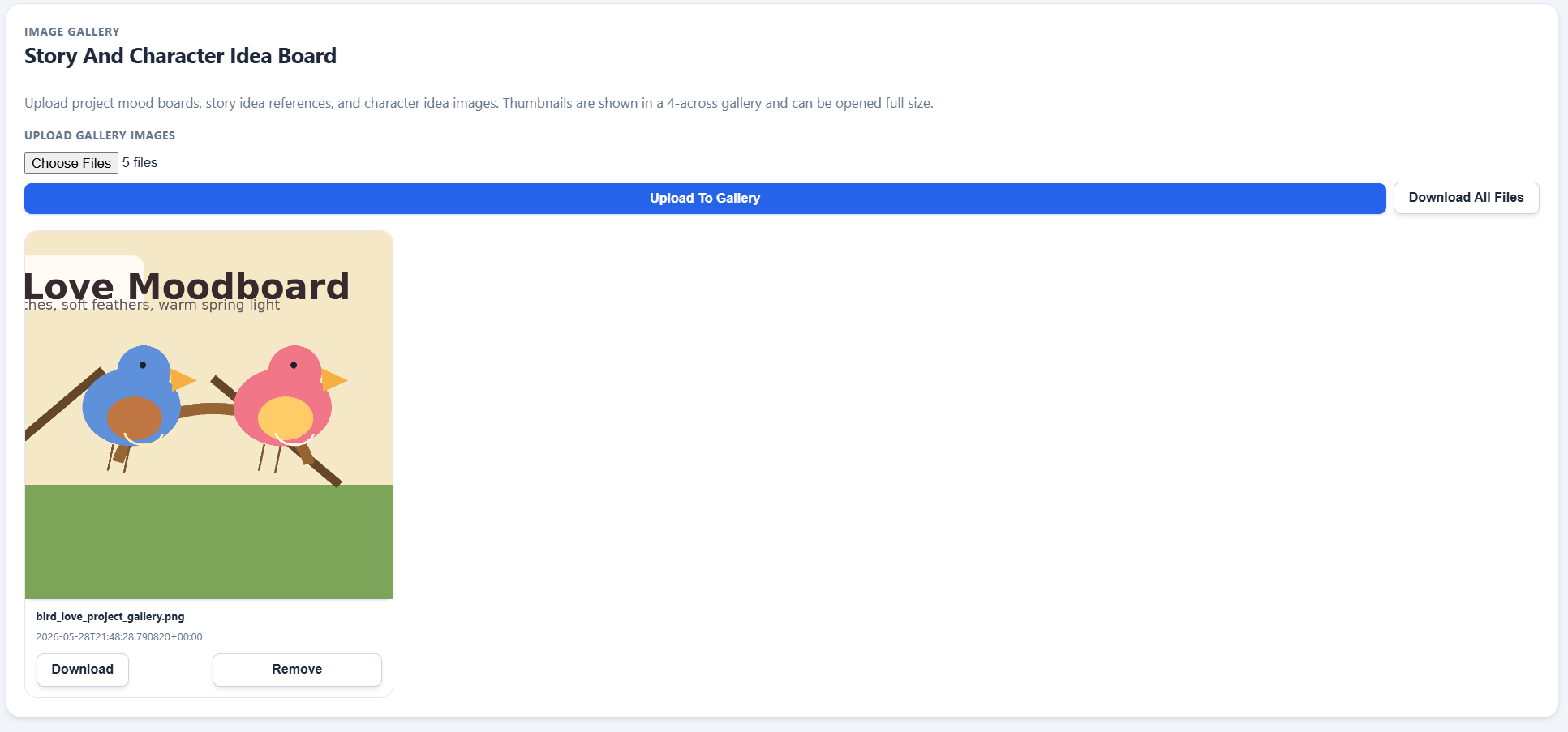
Bonus pages and visual extras are most useful when they feel like part of the release package, not like leftover asset clutter attached to the manuscript.
Workflow
¶ Set the project norm once, then override only the pages that truly differ
The cleanest workflow is still to set a stable package template at the project level and then use release overrides for exceptions. That keeps the line coherent while still letting one book have different acknowledgments, a different teaser, or a different decision on whether bonus pages belong.
- If the whole line shares the same author identity and rights language, keep that in project defaults.
- If one release needs a special teaser or unique acknowledgments, override just those fields.
- If a page feels weak, disable it instead of shipping filler.
Next step
¶ Where to go next
Once the page package is configured, the next step is choosing the actual file output you need. Continue to Exporting EPUB, PDF, DOCX, and Markdown.