Getting started
¶ Projects, series, releases, chapters, and sections explained
Dizire Engine works best when you understand its hierarchy. This page explains the four most important writing layers in the product so you can plan correctly before you start building or editing your book.
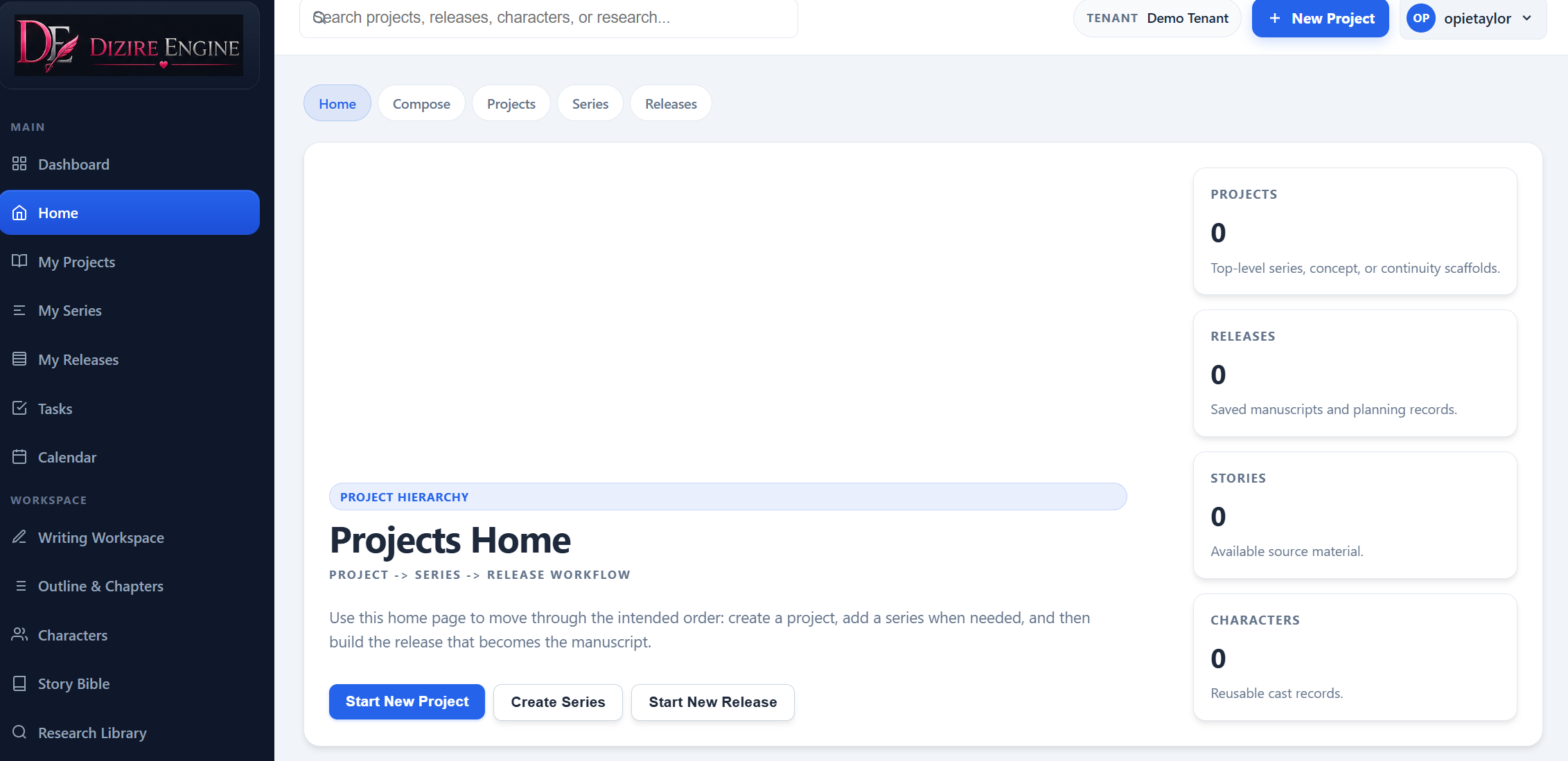
The Home screen states the hierarchy in plain language. It is the fastest place to explain the model before a new writer starts clicking into individual records.
On this page
- The five main layers
- What a project holds
- What a series holds
- What a release holds
- When to use chapters and sections
- How to think about the hierarchy in real work
Overview
¶ The five main layers in Dizire Engine
Dizire Engine separates long-form writing into layers so you can plan at the right level instead of mixing everything into one giant manuscript file. The core hierarchy is:
- Project: the top-level continuity container.
- Series: the middle layer for a recurring line or arc inside that project.
- Release: one publishable book, installment, or manuscript inside that project or series.
- Chapter: the main unit of reading and progress inside the release.
- Section: an optional split inside a chapter when you need finer drafting control.
The hierarchy matters because it keeps catalog planning, release planning, and active writing from collapsing into one confusing workspace.
Project
¶ What a project is for
A project is the continuity home for a book line, series, or concept. It is where broader planning lives. Projects track things like summary, status, continuity notes, release sequence, project type, publishing defaults, and related project-level gallery material.
If you are writing a series or a multi-release story line, the project is the level that helps you remember what must carry forward from one release to the next.
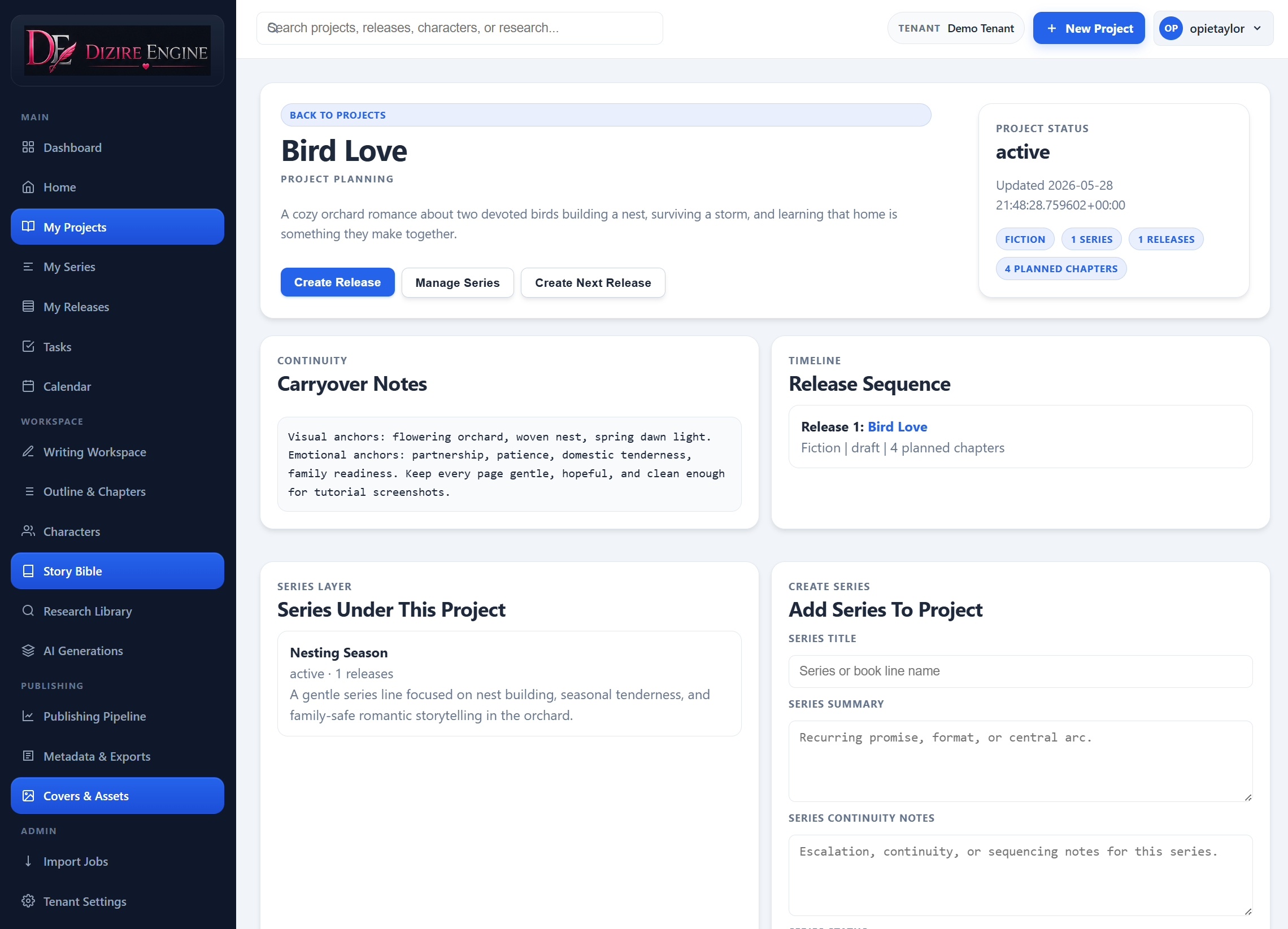
The project detail page is where continuity and sequencing become concrete. You can see carryover notes, the current release order, and the series layer without opening the manuscript editor.
Series
¶ What a series is for
A series sits between the project and the release. Use it when one project contains multiple connected release lines, recurring arcs, or a timeline that needs its own continuity layer.
Series holds the recurring promise for that specific line: shared timeline notes, recurring cast, escalation rules, and release grouping that should not live only at the wider project level.
Release
¶ What a release is for
A release is the actual book or installment you are shaping for readers. Inside a release you manage working title, release name, release number, premise, target length, chapter count, selected cast, retrieval corpus, foundation notes, tone, setting, status, and publishing overrides.
In short, the project and series hold the continuity memory, while the release holds the concrete manuscript and production state for one specific deliverable.
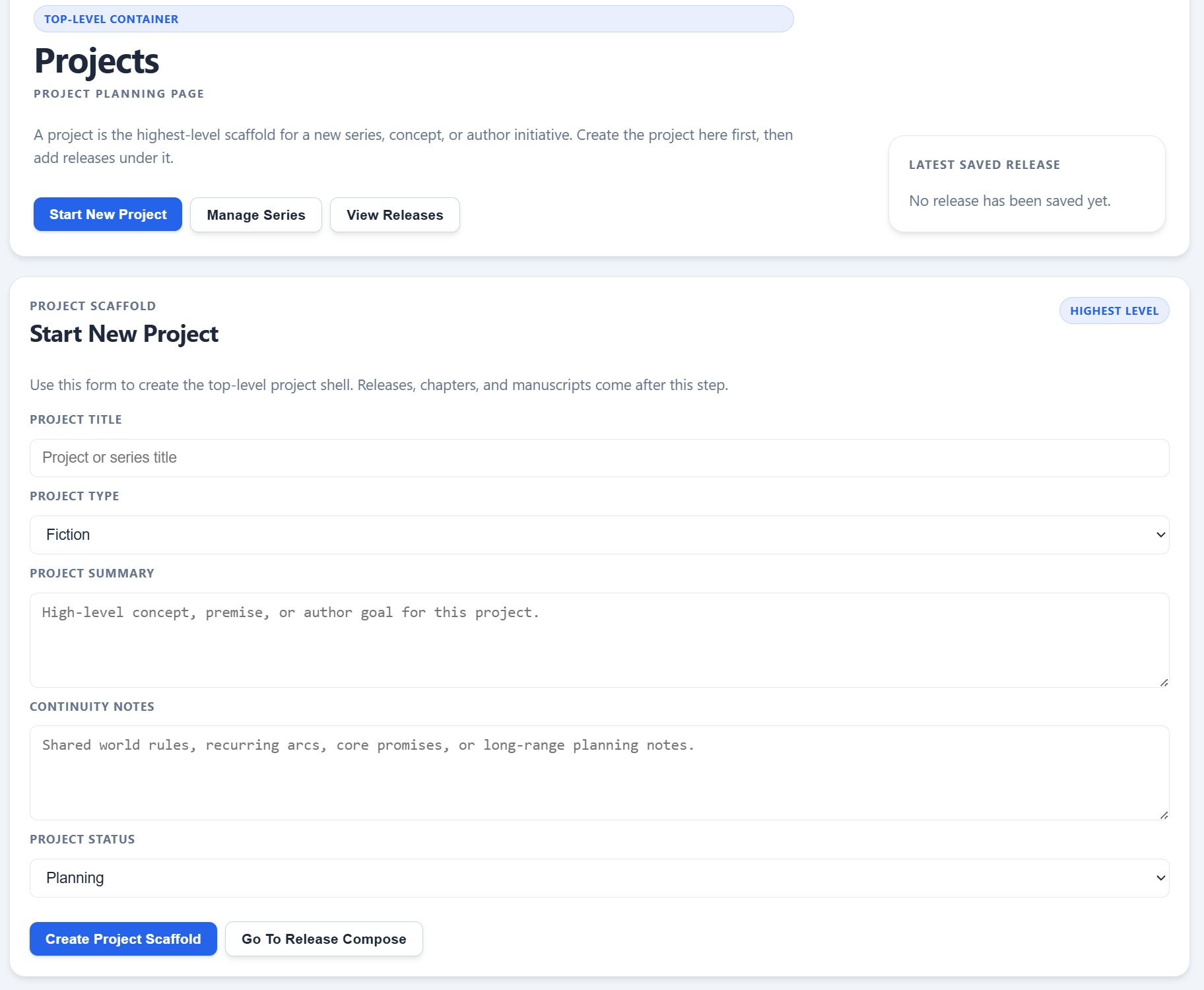
Release work starts only after the project scaffold exists. The project planning page keeps that boundary clear by separating project creation from release composition.
Chapter and section
¶ When to use chapters and when to use sections
Chapters are the main structural units inside a release. Most planning, drafting, preview, and export flows treat chapters as the standard reading units.
Sections are optional subdivisions inside a chapter. They exist for cases where one chapter is easier to manage as smaller pieces while still behaving like one chapter for the rest of the toolchain.
- Use a chapter when you are planning normal reader-facing manuscript structure.
- Use sections when a chapter needs internal subdivisions for drafting or organization.
- Do not create sections just because you can. Use them when they reduce writing friction.
- The broader chapter tools still treat the multiple sections as one chapter-level unit.
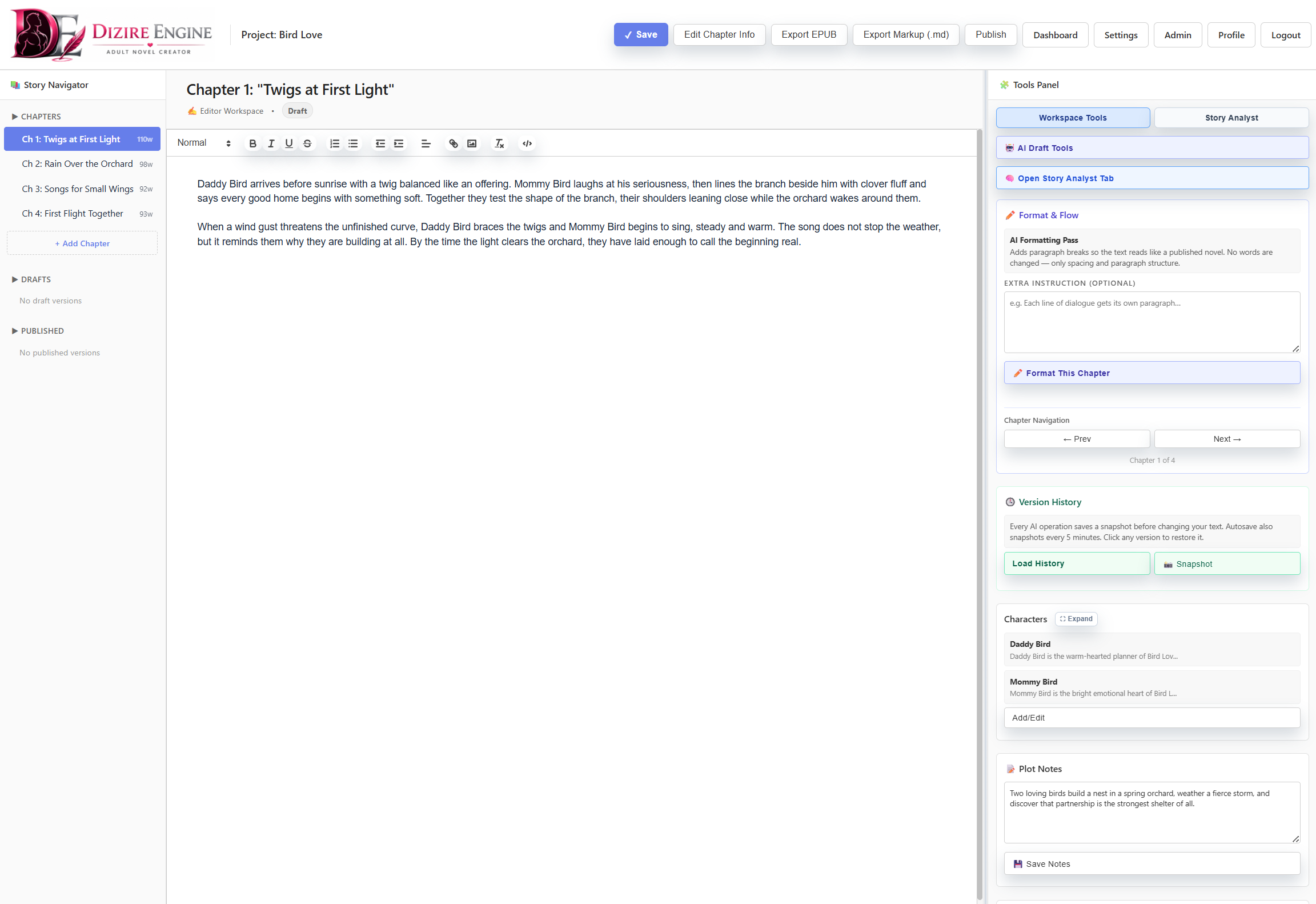
The writing workspace is where chapter-level work happens. This is the right screen to explain how one release turns into navigable chapter units, and where smaller subdivisions are only used when they reduce drafting friction.
How to think about it
¶ Use the hierarchy to make better decisions
When you are unsure where something belongs, ask what level of decision it represents.
- If it affects the whole catalog concept or shared continuity, it probably belongs at the project level.
- If it affects one recurring line inside that project, it belongs at the series level.
- If it affects one planned book or installment, it belongs at the release level.
- If it is a single reading unit, it belongs at the chapter level.
- If it is a subdivision that helps you draft one chapter cleanly, it belongs at the section level.
This mental model prevents a common new-user mistake: trying to make one screen do the job of every screen.
Next step
¶ Where to go next
Now that the structure is clear, the next practical action is to make one. Continue to Creating your first story project.