Planning your first book
¶ Turning the outline into a chapter plan
A release outline becomes useful only when it turns into chapter-sized work. This article shows how to move from broad story direction into a concrete chapter map in Dizire Engine using the release editor, chapter import tools, and chapter-level planning fields.
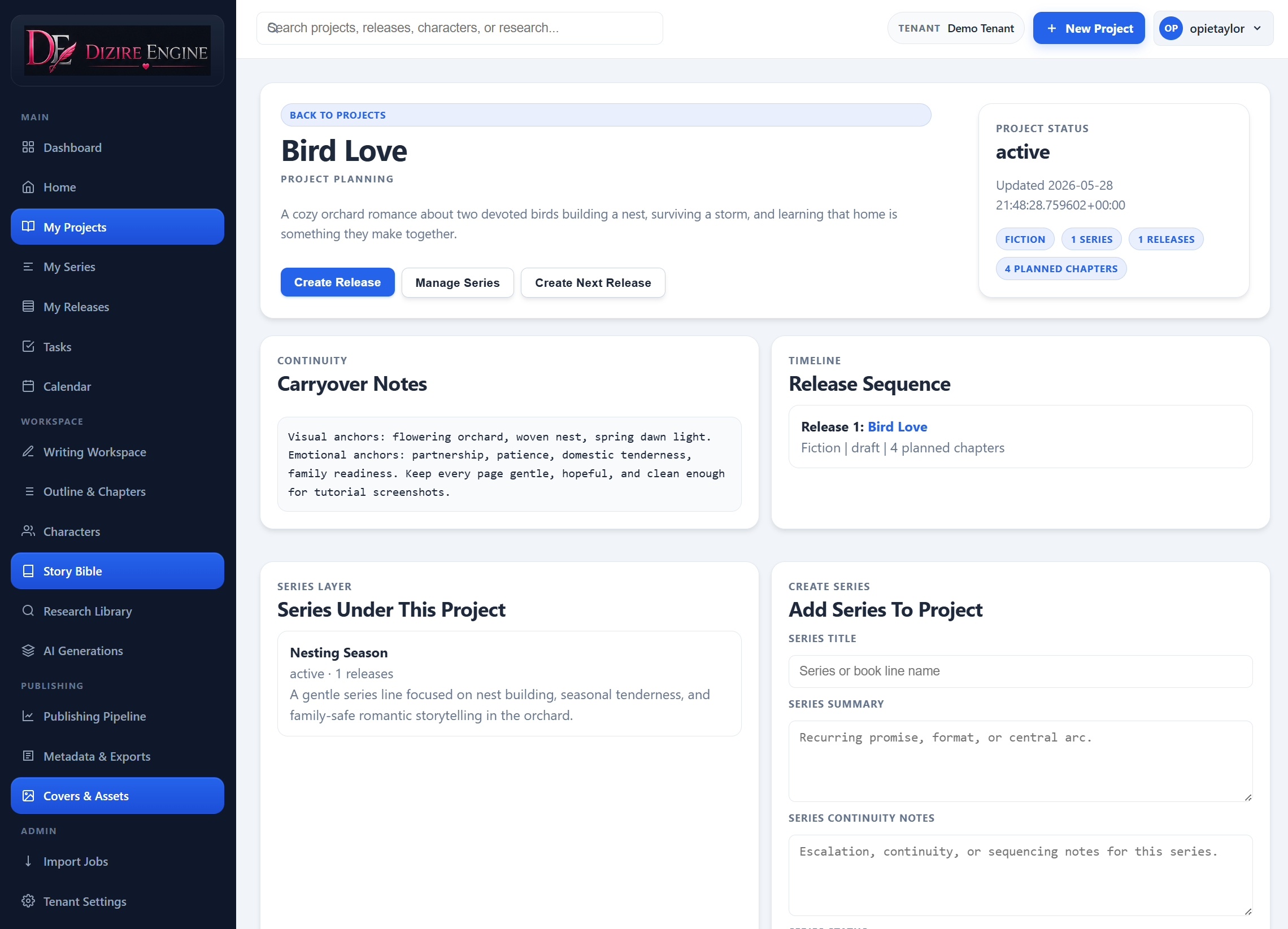
The chapter plan is not separate from the release. It grows out of the same story summary, continuity notes, cast choices, and release expectations you define before drafting starts.
On this page
- Why the chapter plan matters
- Where the planning tools live
- How to build the first chapter map
- How to improve imported or generated chapters
- When the plan is ready for drafting
Overview
¶ A chapter plan is where the outline becomes draftable
A release outline tells you what the book is trying to do. A chapter plan tells you how that work is distributed across the manuscript. In Dizire Engine, that shift happens on the release editor, where the broad outline becomes a list of chapters with titles, summaries, part headings, outline notes, and eventually draft text.
If you skip this step, the workspace has to carry too much uncertainty. You are forced to decide structure while writing prose, which is usually slower and messier than deciding the sequence first.
Where it lives
¶ Use the release editor, not loose notes, to build the plan
Open the release record and work in the main Edit Release form first. That is where the book-level inputs live: Working title, Release name, Opening state, Carryover threads, Ending state, Premise, Tone, Setting, Target length, and Chapters in release.
Once those fields describe the release clearly enough, the same screen gives you the controls that turn the outline into structure: Generate Release Blueprint, Build Chapter Map, Generate Planned Drafts, and the Outline Import block with Import Chapter Plan From Text File and Import Chapter Outline.
Walkthrough
¶ Build a plan that gives every chapter a job
- Set a realistic Chapters in release number before generating or importing anything.
- Make sure the release premise, opening state, ending state, and carryover threads are specific enough to constrain the sequence.
- Use Build Chapter Map to generate the first pass, or paste/upload an outline into Outline Import.
- Review the imported or generated list chapter by chapter instead of accepting the sequence wholesale.
- Use Part number and Part title only when the release genuinely has larger structural acts.
- Tighten each chapter’s Summary and Outline notes until the chapter’s role is obvious.
- Resequence chapters if needed. The release page supports drag-to-reorder and automatically reassigns chapter numbers.
The best chapter map does not try to write the book for you. It gives each chapter one reason to exist, one place in the order, and enough local direction that the workspace can stay focused later.
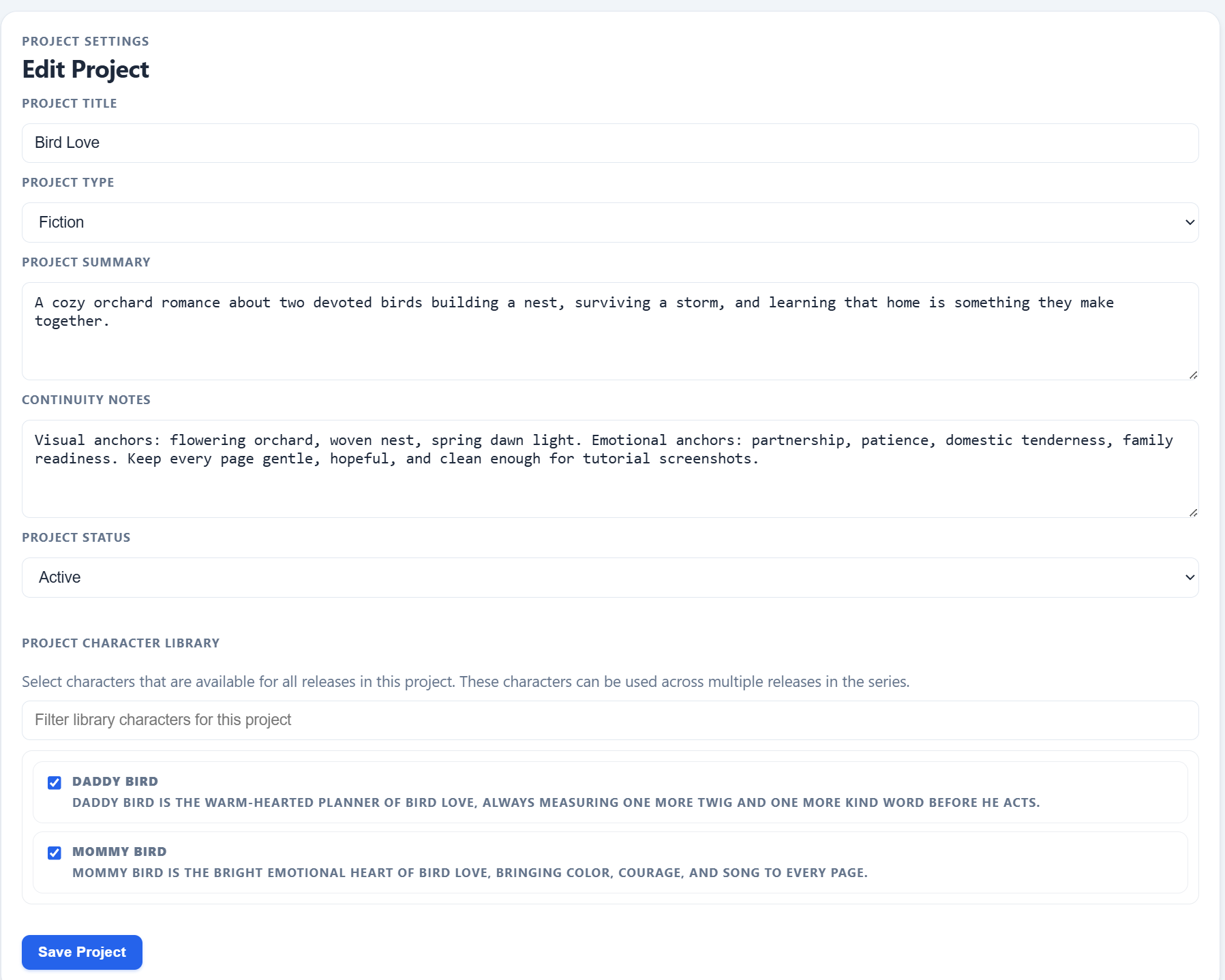
The quality of the chapter map depends on the quality of the release inputs behind it. Story summary, continuity, and cast context upstream make the later chapter sequence more usable.
Refinement
¶ Clean up the chapter list before you generate prose
The release editor exposes planning fields for every chapter: Chapter title, Chapter index, Summary, and Outline notes. Use those fields to remove vagueness before you move into drafting.
- If two chapters appear to do the same job, merge or differentiate them now.
- If a chapter summary sounds exciting but does not change the release state, it probably needs a stronger purpose.
- If the chapter list feels front-loaded or back-loaded, resequence before any draft text exists.
- If the outline import created the right order but thin summaries, keep the order and rewrite only the local descriptions.
This is also the right moment to decide whether the manuscript needs part breaks. If the release works fine as one continuous chapter run, do not force act labels onto it just because the fields exist.
Ready to draft
¶ Know when the chapter plan is complete enough
A chapter plan is ready when opening the workspace no longer raises the question, “What is this chapter supposed to do?” You do not need perfect summaries. You need enough structure that each chapter has a clear role in the book.
- You can explain why each chapter exists.
- The order feels deliberate instead of accidental.
- The opening and ending states of the release are visibly connected by the chapter sequence.
- The chapter list is stable enough that drafting will create prose, not major structural guesswork.
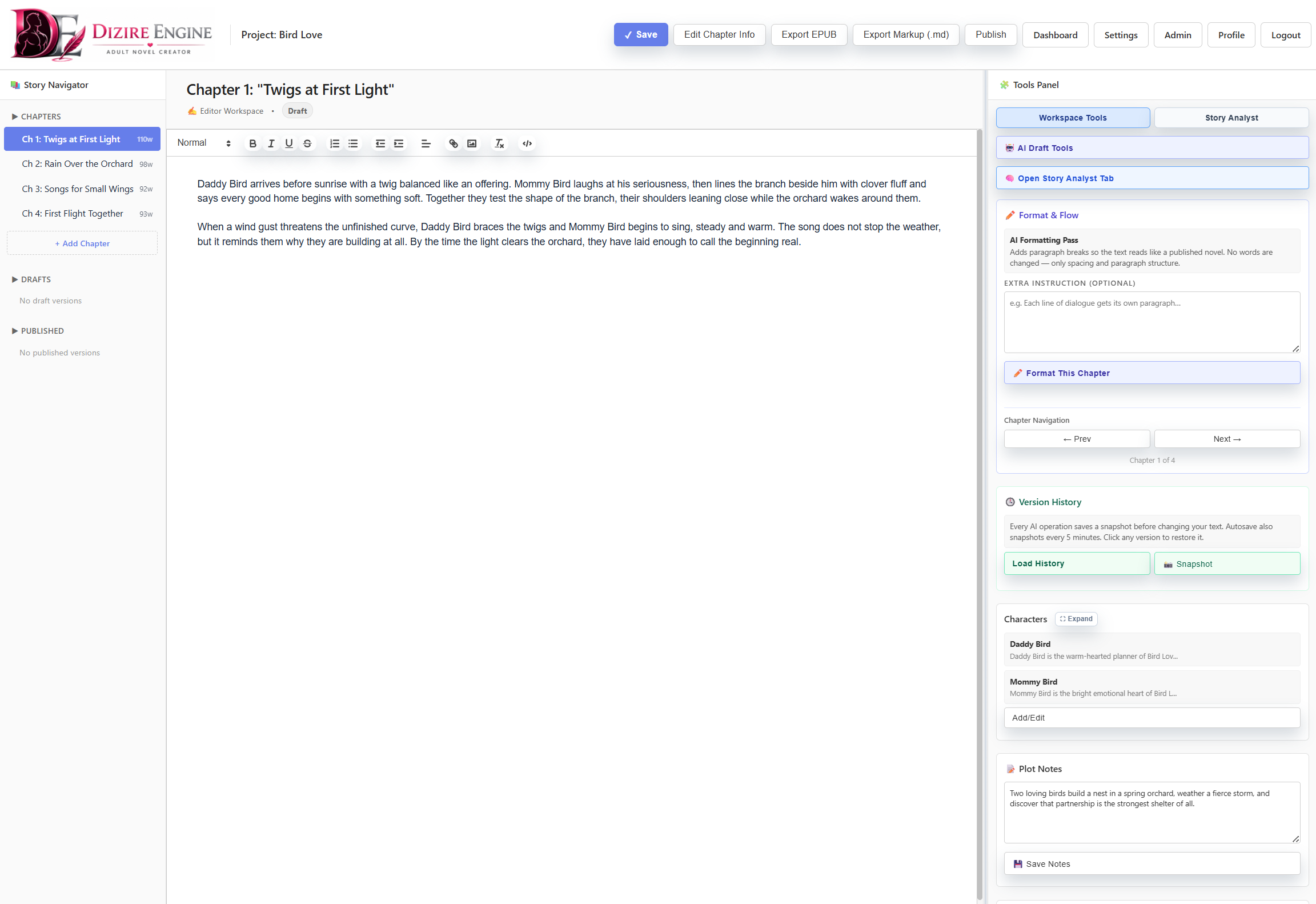
A stable chapter map makes the workspace simpler. Instead of discovering structure inside the editor, you can focus on executing the next chapter cleanly.
Next step
¶ Where to go next
Once the chapter plan is strong enough to trust, the next step is writing against it inside the editor. Continue to Using the writing workspace.