Drafting support
¶ When to use chapter sections
Chapter sections are optional drafting containers inside one chapter. They help when a chapter is easier to manage in smaller internal pieces, but they are not meant to replace chapter structure itself. This guide explains when sections help, where to edit them, and how they affect the rest of the manuscript workflow.
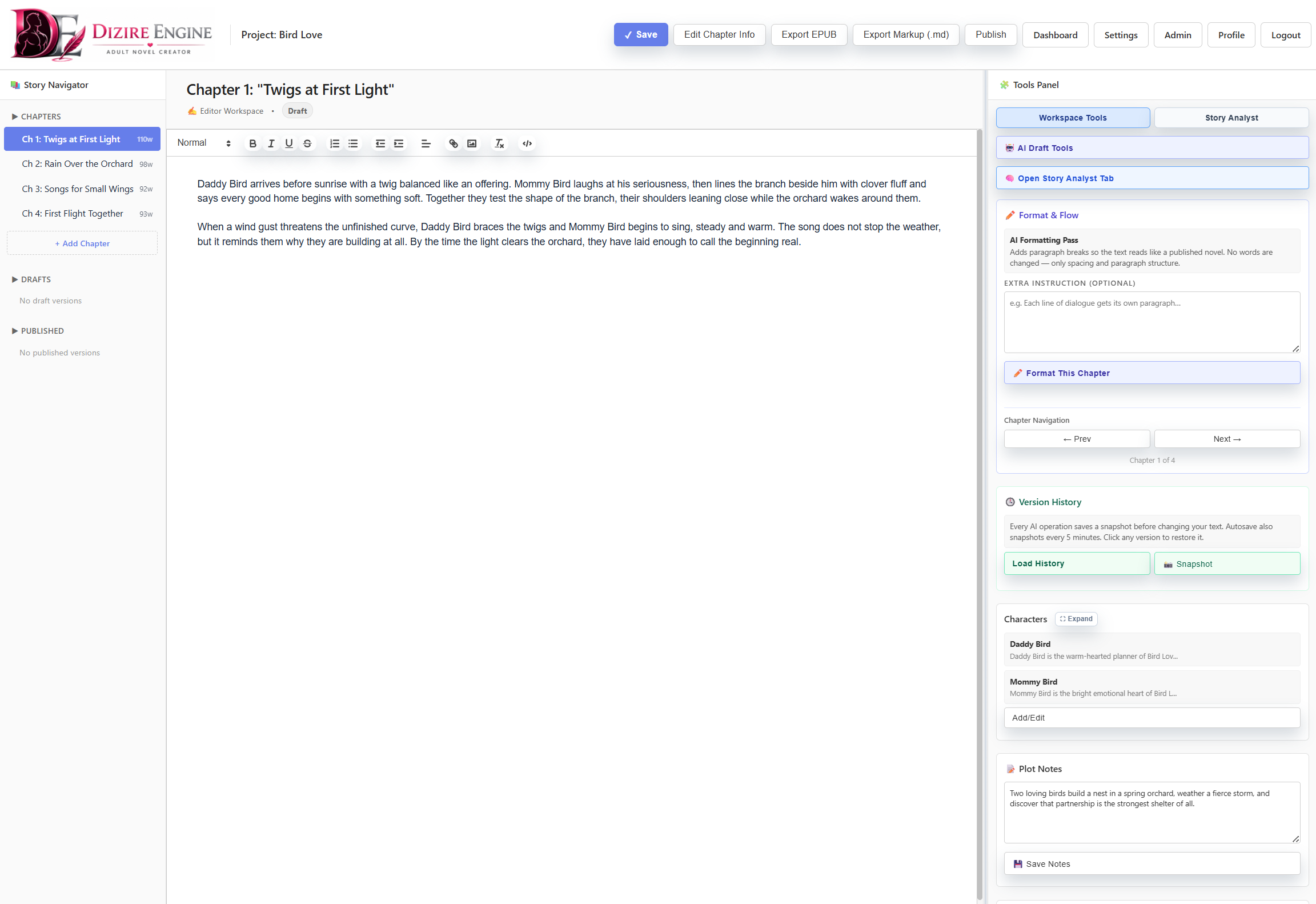
Sections live next to the draft because they are part of the manuscript, not just planning notes. They are useful only when splitting the chapter makes the writing easier to control.
On this page
- What chapter sections actually do
- Where to manage them
- When a chapter should stay whole
- When splitting helps
- How sections affect the rest of the workflow
Overview
¶ Sections are draft containers inside one chapter
Dizire Engine treats a section as an internal slice of one chapter, not as a new reader-facing chapter. The release editor and the workspace both describe them the same way: Optional lightweight sections that rebuild the combined chapter draft when saved.
That detail matters. Sections are not just annotations. They directly affect the chapter text used by generation, rewrite, formatting, version history, and export.
Where they live
¶ You can manage sections in either the release editor or the workspace
On the release page, each chapter has a Chapter Sections block beneath the main draft. In the workspace, the tools panel includes a matching Chapter Sections area with + Add Section, Save Section, and Delete Section actions.
The workflow is intentionally simple:
- Add the first section to split a chapter that is currently one combined draft.
- Leave the new section text blank if you want the first section seeded from the current chapter draft.
- Edit section titles and section text directly once the split exists.
- Delete sections when the internal split is no longer helping.
Leave it whole
¶ Do not split a chapter unless the split removes real drafting friction
Most chapters should stay as one draft. A combined chapter is simpler to revise, easier to scan, and already matches how readers experience the manuscript.
- Keep the chapter whole when the scene flow is already clear.
- Keep it whole when the draft is short enough that scrolling and revision are still easy.
- Keep it whole when you are tempted to split only to create the feeling of progress.
- Keep it whole when the actual problem is chapter purpose, not chapter size.
Sections are a control tool, not a default requirement. If the chapter still reads and revises cleanly as one piece, leave it alone.
Good use cases
¶ Split a chapter when separate internal passes make the writing better
Sections help when one chapter contains distinct internal turns that benefit from being drafted or revised separately. In practice, they work best when the chapter is still one chapter for the reader but multiple smaller units for the writer.
- Use sections when a long chapter contains two or three clear sub-scenes that need separate passes.
- Use them when one chapter alternates between setup, confrontation, and payoff that you want to tighten independently.
- Use them when a difficult chapter keeps becoming unwieldy during revision.
- Use them when one internal block is stable and another block still needs work.
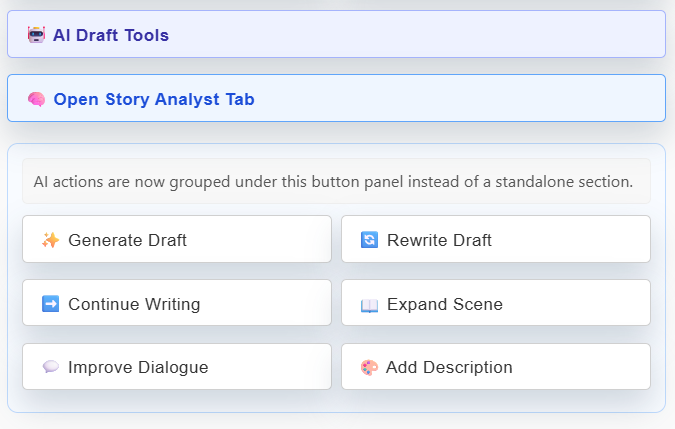
Sections work best when they help you apply revision and drafting tools more precisely to a complex chapter without pretending the book has more chapters than it really does.
Downstream effects
¶ Remember that sections still feed one chapter-level manuscript
Because saved sections rebuild the combined draft, the rest of the product still sees one chapter-level text. That includes exports, versions, formatting, and chapter-level AI tools.
- Version snapshots still track the chapter as one unit.
- Exports still read the rebuilt chapter draft, not separate standalone mini-chapters.
- Chapter-level tools still operate on the recombined manuscript text.
- Deleting or reworking sections is therefore a drafting decision with manuscript-wide consequences.
That is why sections should stay lightweight. They are powerful enough to matter, but they are meant to simplify drafting, not create a second structural system you have to maintain forever.
Next step
¶ Where to go next
Once you know when a chapter needs internal structure, the broader question is how to keep all structure tools from turning into clutter. Continue to Keeping scene beats and structure tools useful instead of distracting.