Planning your first book
¶ Writing your first outline
Once the project exists, the next job is turning the concept into a release plan you can actually draft from. This article shows how to move from project structure into a usable outline and where the AI drafting controls fit after the outline is in place.
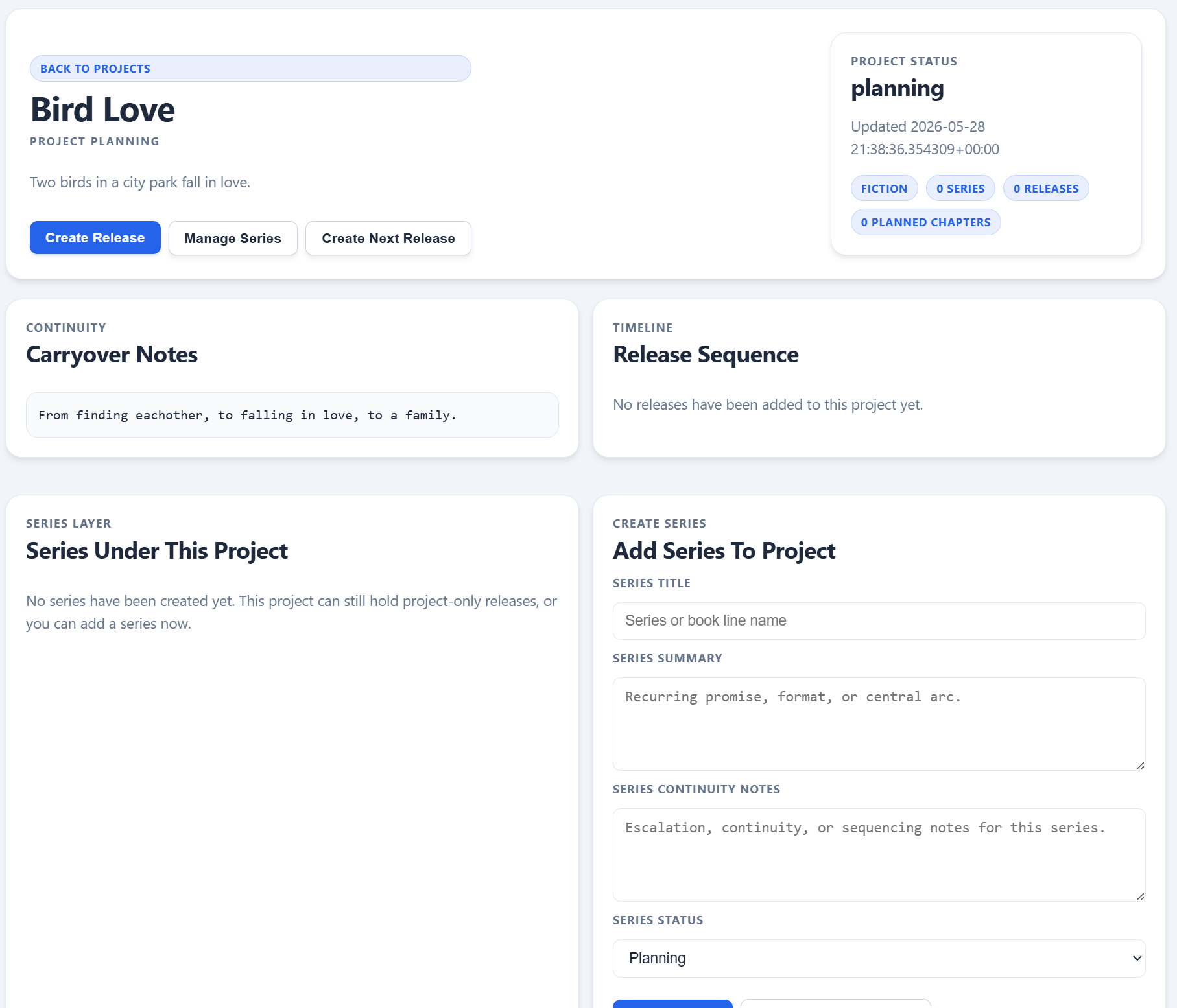
This is the transition point between pure planning and actual release work. A project with continuity notes but no releases is ready for the first outline.
On this page
- What the outline should solve
- Where to start in the project workflow
- How to turn the concept into a release plan
- When to use AI draft tools
- What to check before drafting chapters
Overview
¶ What your first outline needs to do
A useful outline is not a decorative summary. It should answer the questions that make drafting easier later: what the release is about, how it progresses, what must carry forward from the project, and where the major chapter turns belong.
In Dizire Engine, the outline belongs with the release workflow, not only in loose notes. That matters because the manuscript, chapters, and publishing record all depend on the release-level plan that comes after the project scaffold.
Before you begin
¶ Start from the project, not from a blank chapter
- Open My Projects and confirm the project already has a clear title, summary, and continuity notes.
- If your project will contain multiple connected books, decide whether you also need a series before building the first release.
- Make sure you can describe the release premise in one or two sentences before opening the drafting tools.
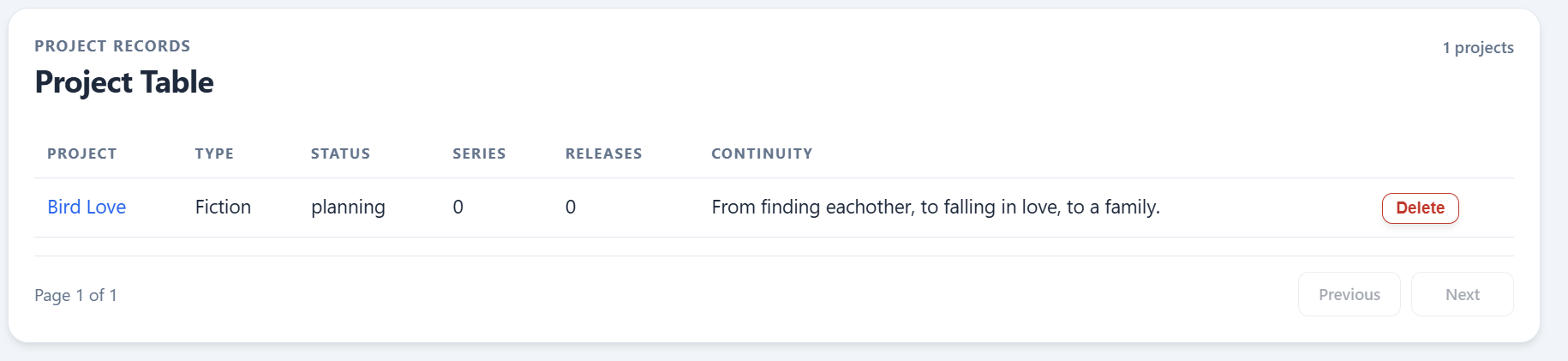
The Projects list is your checkpoint before outlining. If the project record still looks vague here, fix the container first instead of pushing confusion downstream into chapters.
Walkthrough
¶ Turn the project idea into a release outline
- Open the project detail page and use Create Release when you are ready to move beyond top-level planning.
- Define the release premise, tone, setting, and target length so the outline has real boundaries.
- Write the release progression in plain language first: beginning state, middle pressure, and ending state.
- Break that progression into planned chapters or chapter groups.
- Only split chapters into sections later if one chapter is too large or complex to manage comfortably.
The goal is not maximum detail. The goal is enough structure that the release can move into drafting without forcing you to rediscover the story every time you open the editor.
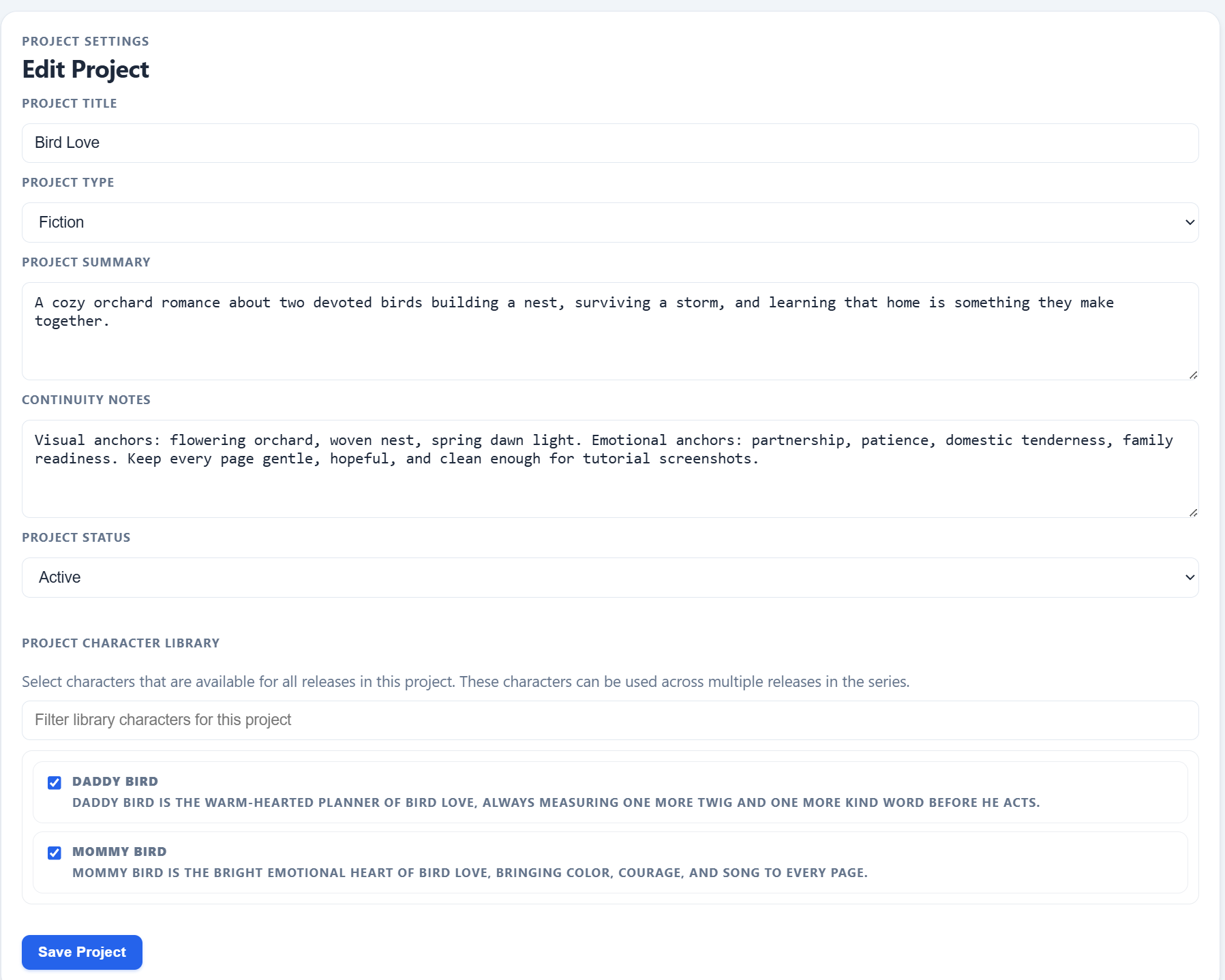
Shared project information feeds the outline. The stronger the summary, continuity notes, and character library are here, the less cleanup you need once chapters start multiplying.
AI workflow
¶ Use AI draft tools after the outline is stable
The draft tools are most effective when the release already has a defined shape. If you start generating text before the outline exists, you usually get more cleanup work instead of more progress.
- Use Generate Draft when the premise and chapter direction are already decided.
- Use Rewrite Draft, Expand Scene, or Improve Dialogue after there is concrete material to improve.
- Use Continue Writing once the outline already tells you what the next chapter needs to accomplish.
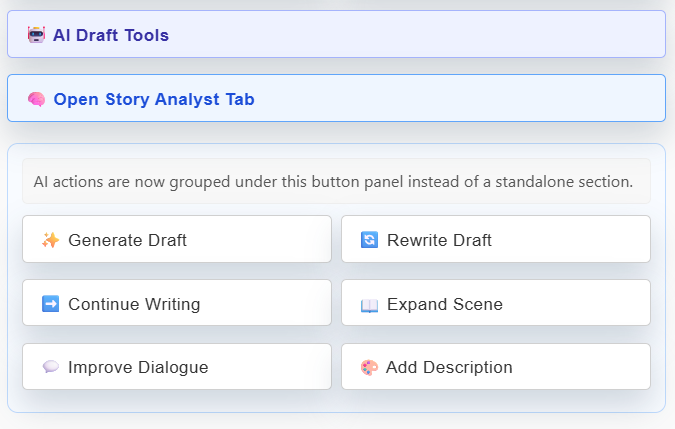
Treat these controls as accelerators, not substitutes for structure. The better the outline, the more useful the draft tools become.
Publishing defaults
¶ Set shared front and back matter before the release grows
If you already know the book line will share the same imprint, disclaimer, or bonus-page settings, put those defaults in place early. This keeps later exports aligned across releases and reduces repetitive metadata work.
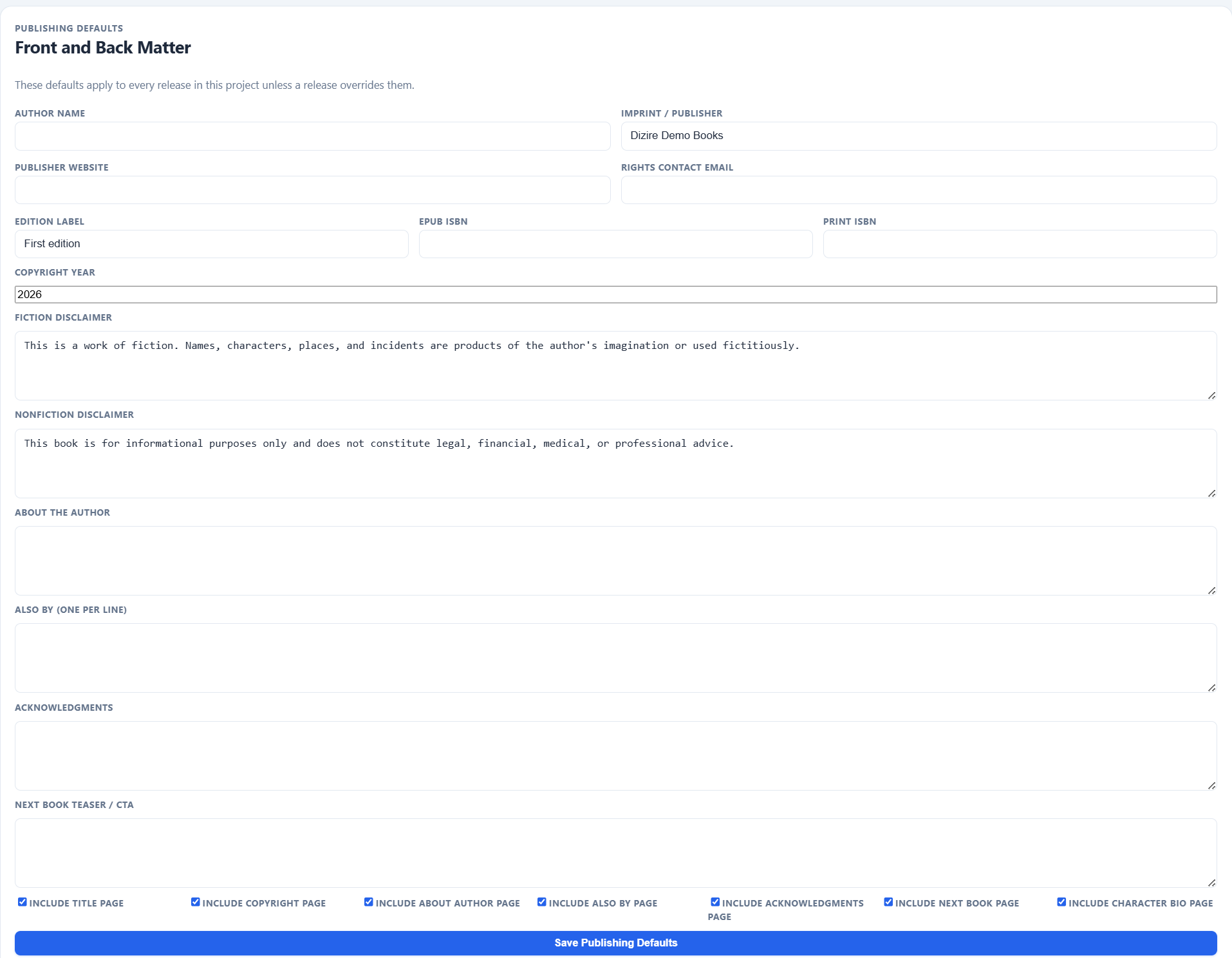
Publishing defaults are not the outline itself, but they belong in the same planning window because they shape how every later release leaves the system.
Next step
¶ Where to go next
Once the outline is stable, the next practical step is turning that release idea into actual chapters. Continue to Turning the outline into a chapter plan.